More automation, more control!

Your customer data is alive.
Tasks: it’s out of beta!
We’ve been working for a while on the new tasks module, and we’re proud to announce that it’s ready to go out of beta! 💪
The today screen is now easier to work with. Your self-created tasks get priority and are shown at the top. The suggested tasks are shown below this with the most recent ones first for easier skimming.
You can now also make use of handy account inactivity tasks. ⚡ These tasks trigger when an account becomes inactive for x days. The amount of days is customizable and can even be set by pipeline stage.
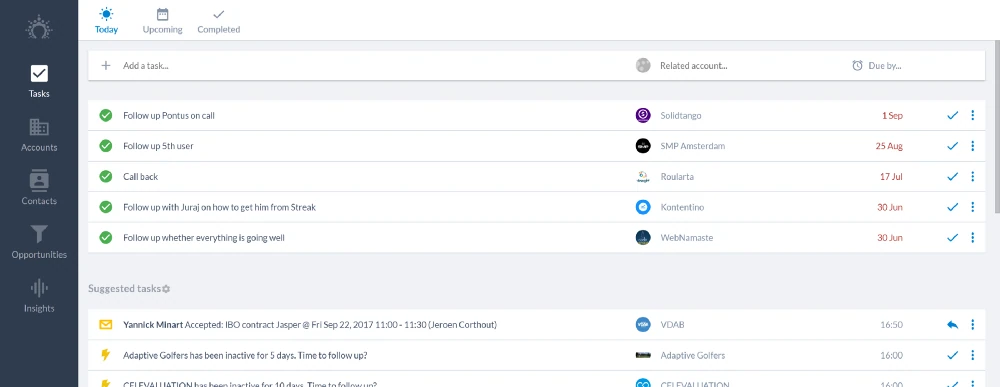
The fact that the Tasks module is going out of beta also means that we’re now saying goodbye to the Home screen. 👋 All reminders have been converted into tasks, so you can just keep working in the improved tasks module.
Zapier: easier to use, more possibilities
First of all, we’ve made the Zapier integration easier to use. Many fields have been turned into dropdown menus, so you can immediately find what you’re looking for.
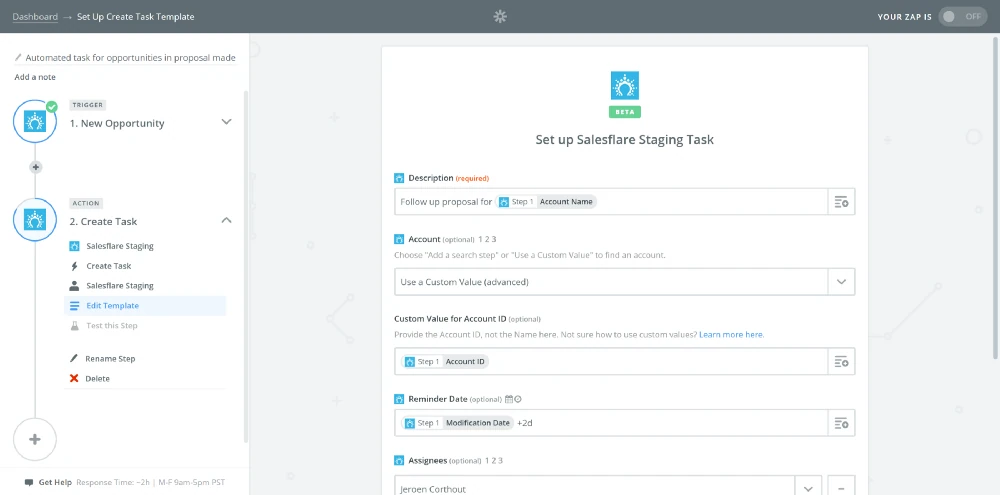
You can now also automatically create tasks, meetings, calls and messages in your accounts using Zapier. ⚙️ This means you now have full control to enrich your account timeline with data from other apps.
We’ve also added the possibility to trigger on new tasks. Want to put something in your calendar or in Slack when a task is created: check!
Import module in beta
Want to load customer data into Salesflare? 💾
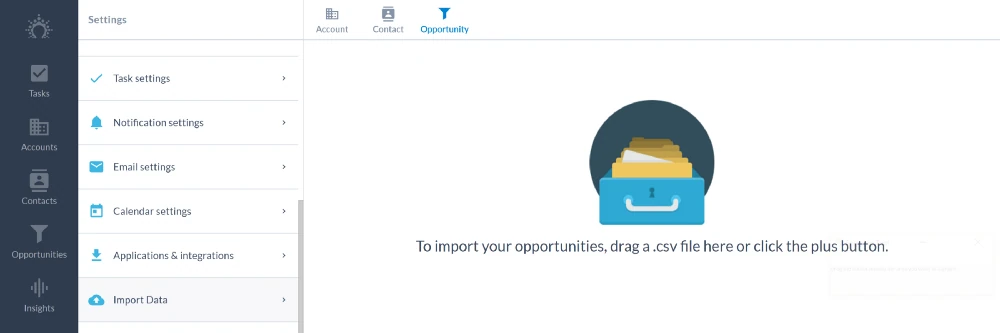
We’ve made an easy to use import module with which you can map your CSV file’s fields to the Salesflare fields with a few clicks.
Any data that failed to import is returned in a ‘skip file’, that you can fix and retry to complete the import.
Want access? Just hit us op on the live chat! 💬
Upload your own pictures and logos
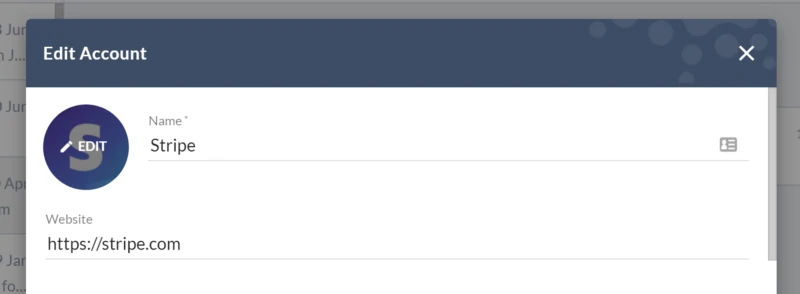
In case Salesflare hasn’t automatically found a picture for a contact or a logo for an account, you can now add an image yourself. 🖼️
Resizing and cropping is built in, so you don’t need to make manual changes on your computer before uploading the image.
Create a contact straight from an account
Missing a contact on an account and it wasn’t added automatically yet?
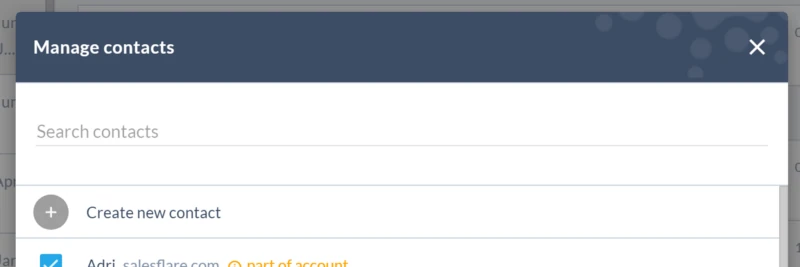
No need to switch back and forth anymore. 👌 You can now create that contact straight from the account. Just click “manage” below “Contacts” on the account and then “Create new contact”.
Order your custom fields

Want to re-order your custom fields? 🤔
Just head to Settings > Customize fields and drag and drop!
Faster website tracking
We’ve made the website tracking script smaller and faster, to speed up the loading of your website. 🚀
Head to Settings > Applications & integrations to get the new script!
A series of improvements and bug fixes
We improved the performance here and there, fixed the bugs you reported, tweaked some app flows, and much more.
Keep the feedback coming — we thrive on it! 👊
Coming up next… 🥁
- The possibility to upload files to accounts
- Multiple email addresses on contacts
- Bulk edit & delete actions
- More task automation!
Got a question or need help? Feel free to send feedback or tweet us at @salesflare.